March 21, 2026 ⋅ VERSION 1.16 (116)
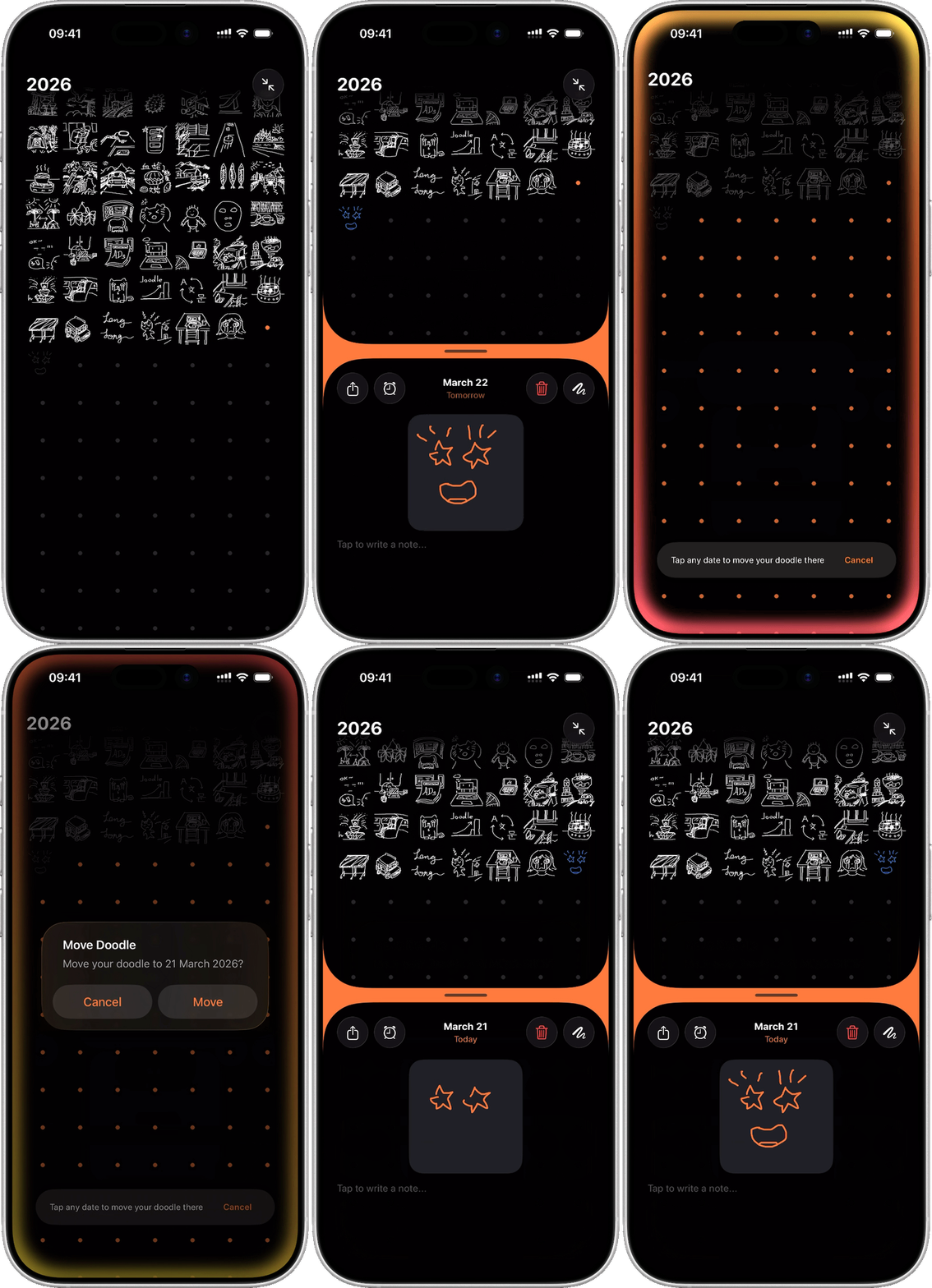
Move Your Doodle to Another Day
You can now move a doodle to a different date — as long as that date doesn't already have one. Just tap and hold your doodle to bring up the context menu, and choose to move it. Then tap any empty date to confirm the movement.
You can find a new tutorial guide anytime at "Settings > Need Help? > Learn Core Features > Interactive Tutorials > Move a Doodle".
Improvements & Bugfixes
- Fixed unintended drag gesture triggering on the bottom view
This update includes the following builds:
115, 116